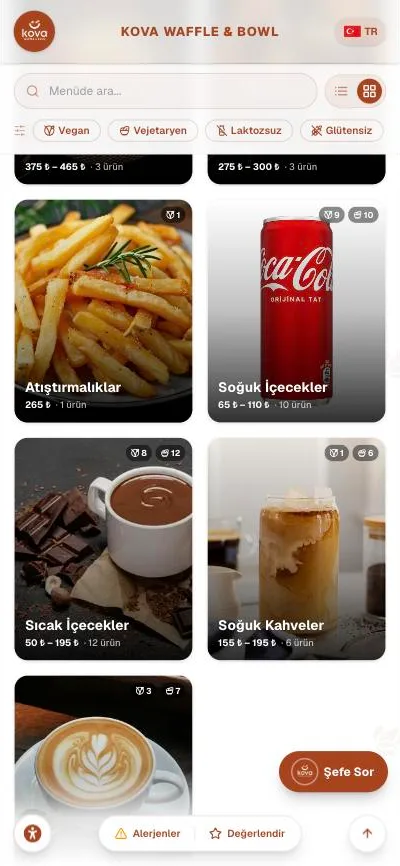
 Coffee and dessertsCafés
Coffee and desserts
Cafés
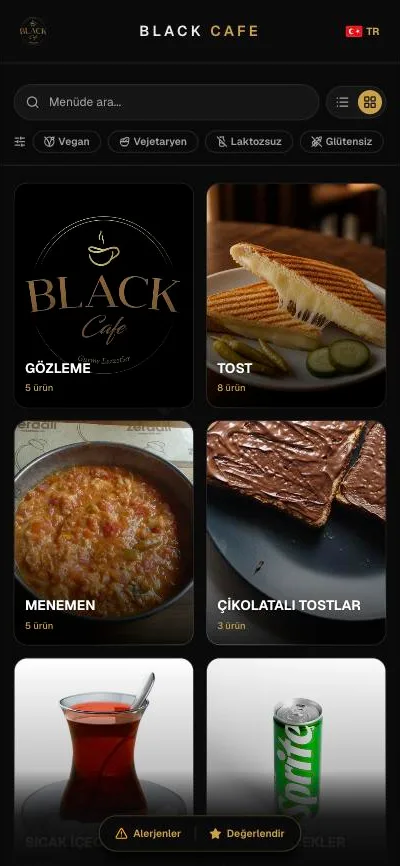
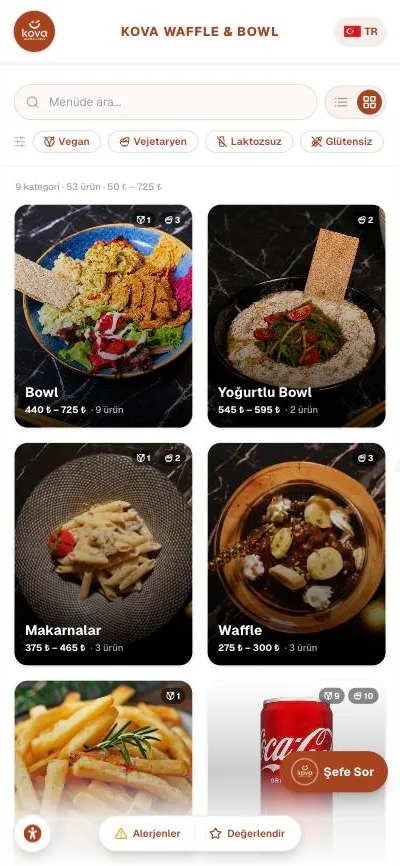
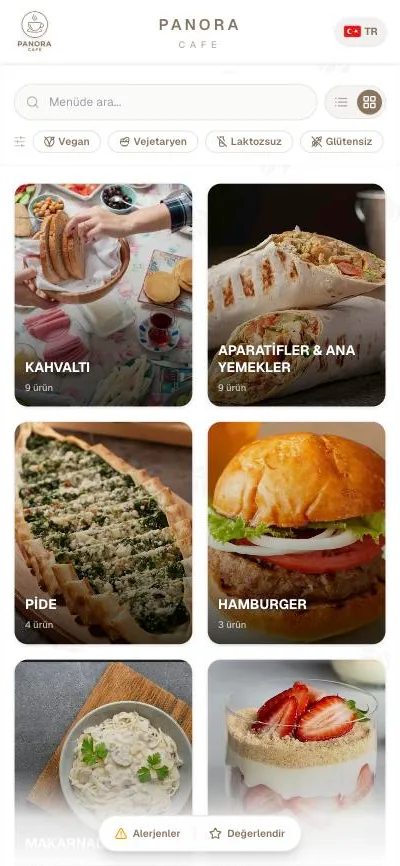
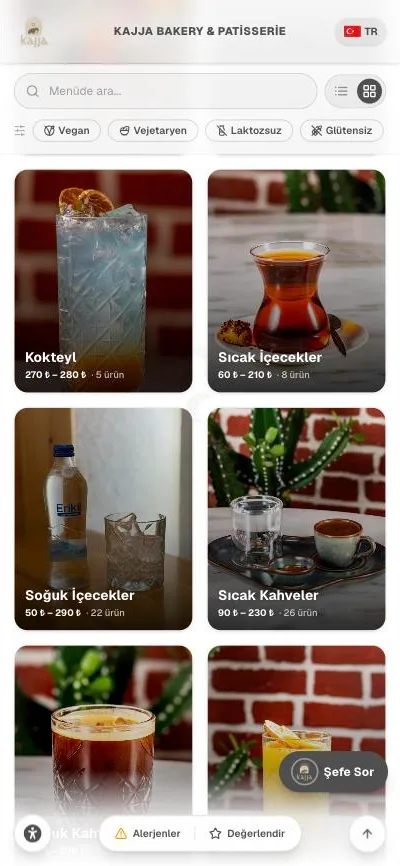
Dairy-free options, calories and allergens are asked about most here. The lactose-free filter answers in one tap.
QR menu · nutrition · 14 allergens
15 days free · No credit card · Set up in 5 minutes
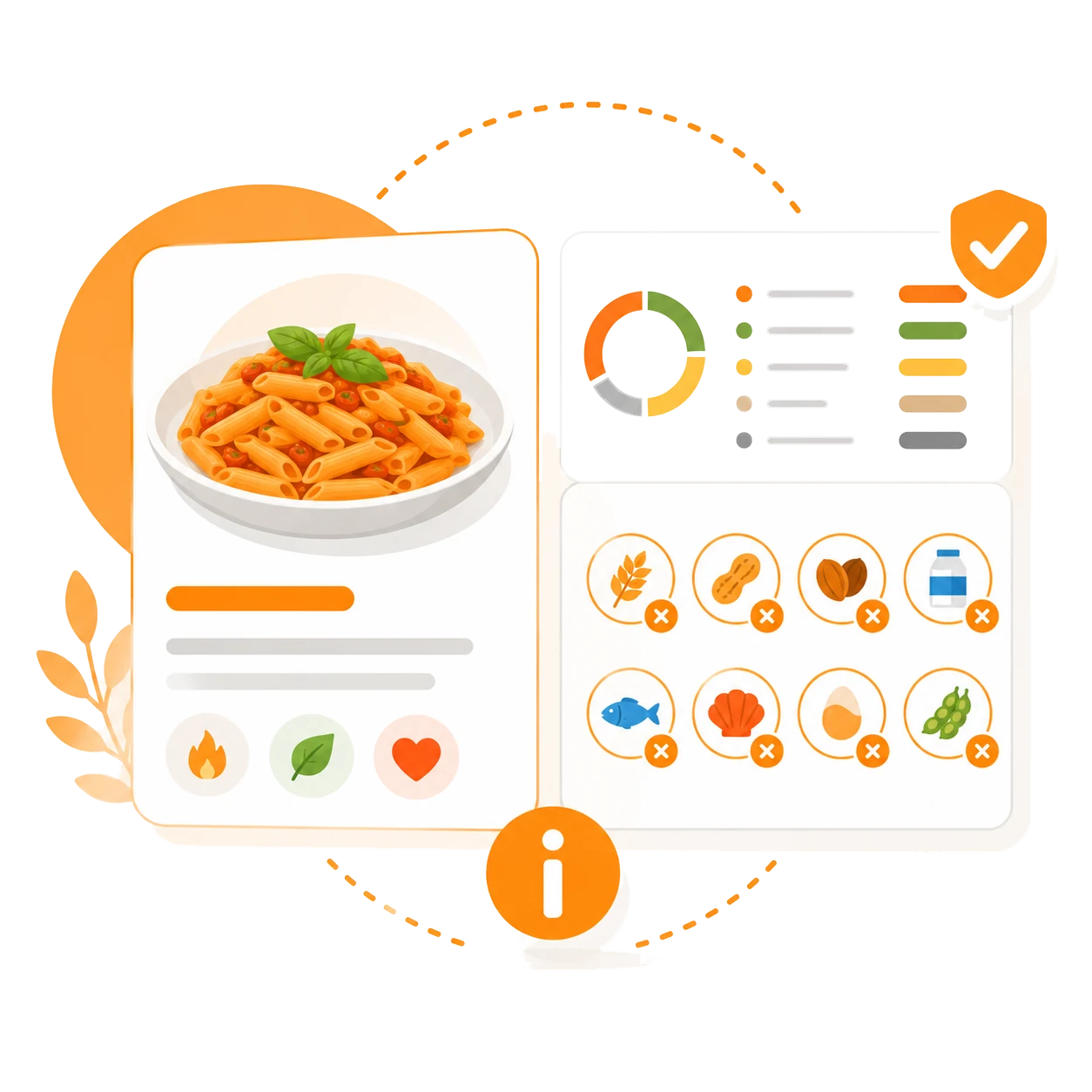
QR menu · nutrition · 14 allergens
What sets us apart
Most QR menus show a name and a price. Menulent also puts the answers guests normally ask the waiter right into the menu.
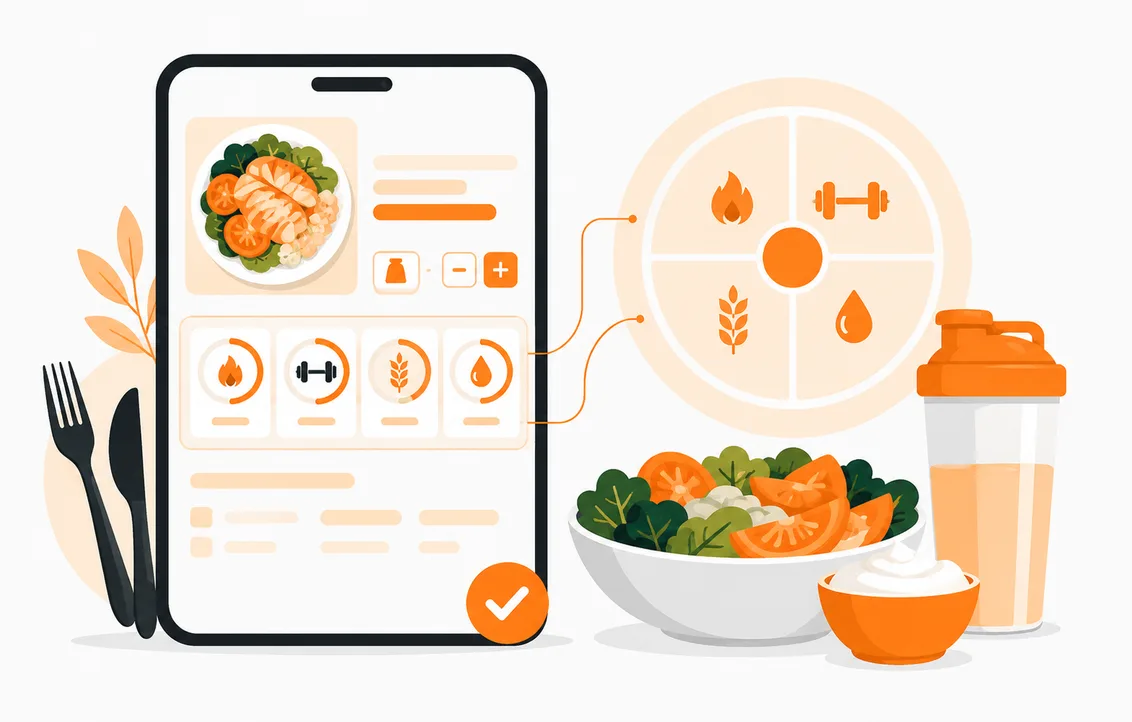
Calories, protein, carbs and fat with portion size. Athletes and anyone watching their diet find the answer in the menu.
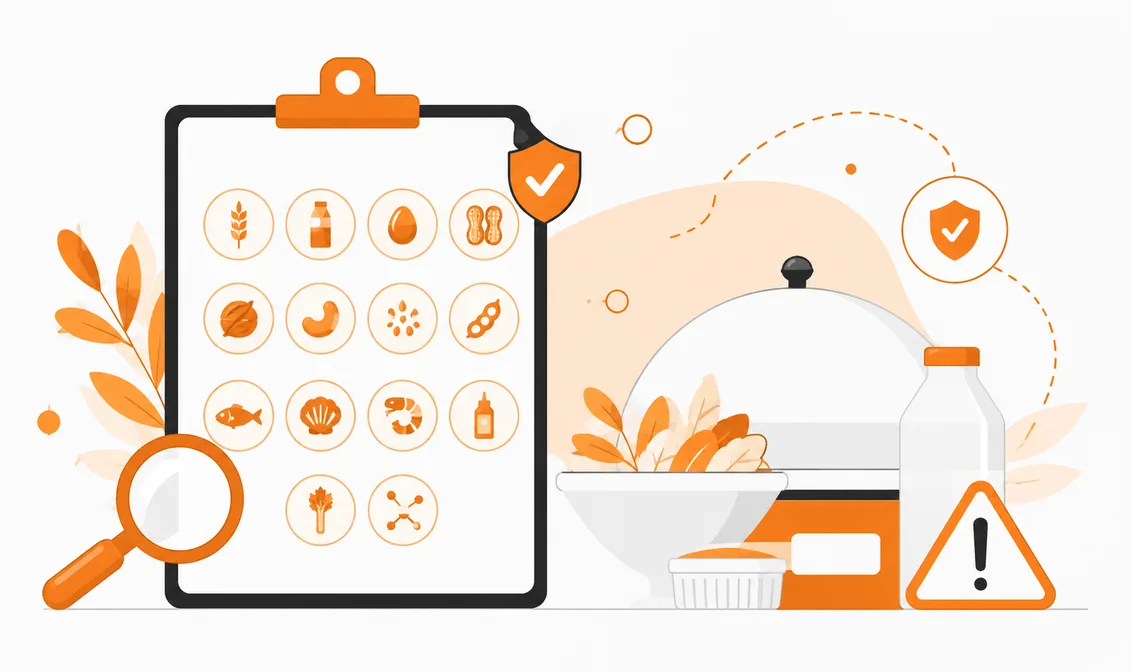
The 14 allergens required by food regulations, marked item by item. Gluten, milk, egg, nuts, sesame and the rest are clearly visible to guests.
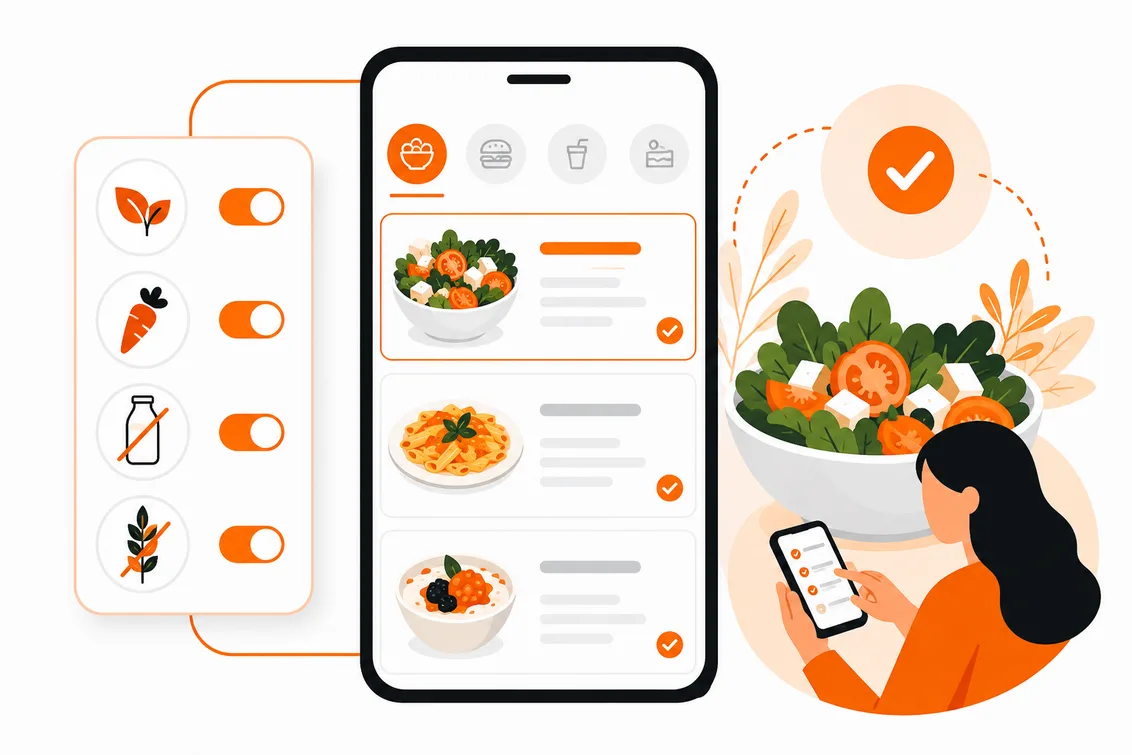
Vegan, vegetarian, lactose-free and gluten-free filters. One tap shows only what suits the guest - no need to ask the waiter.
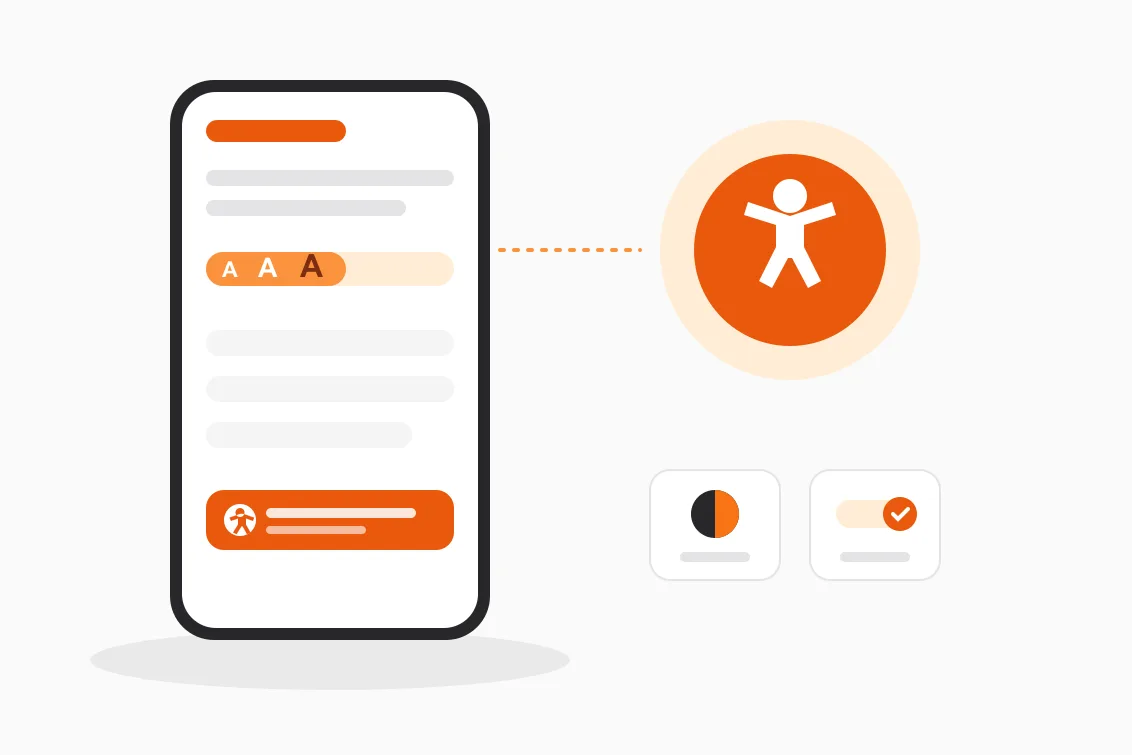
Screen reader support, text scaling, high contrast and easier reading come standard on every menu. A low-vision or dyslexic guest reads the menu without asking the waiter — something most QR menus never consider.
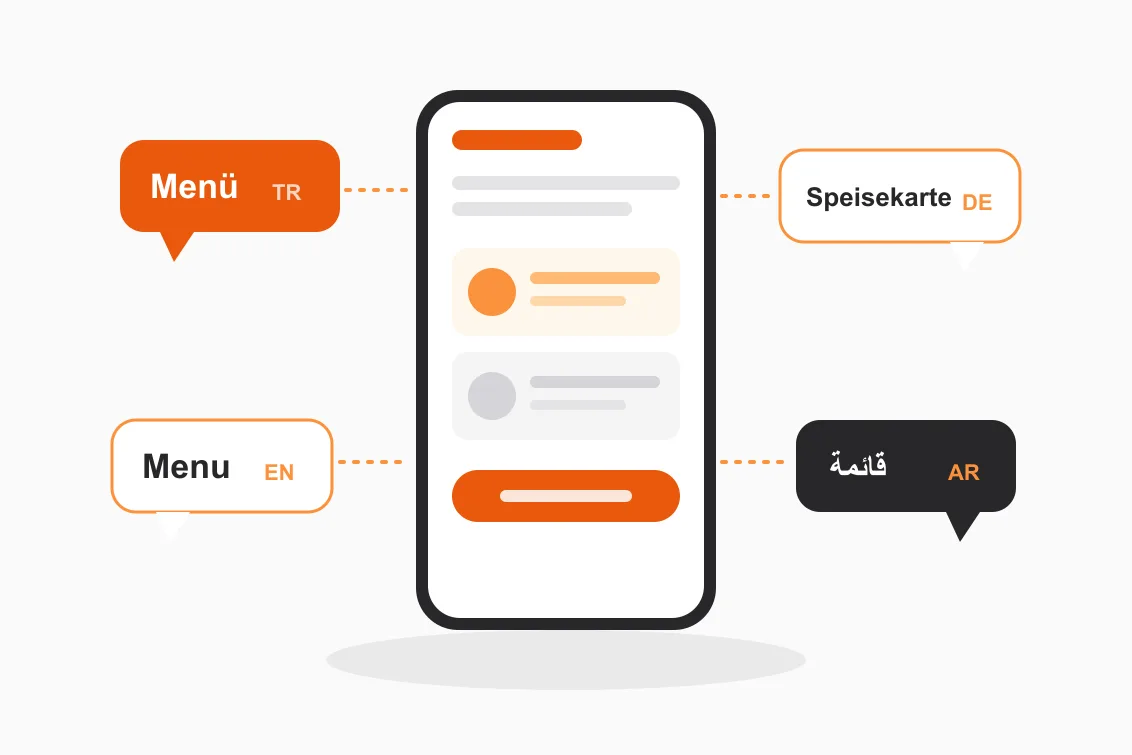
Enter an item once; the name, description and ingredients are translated by AI into the other languages. Guests switch language in one tap, you manage a single menu.
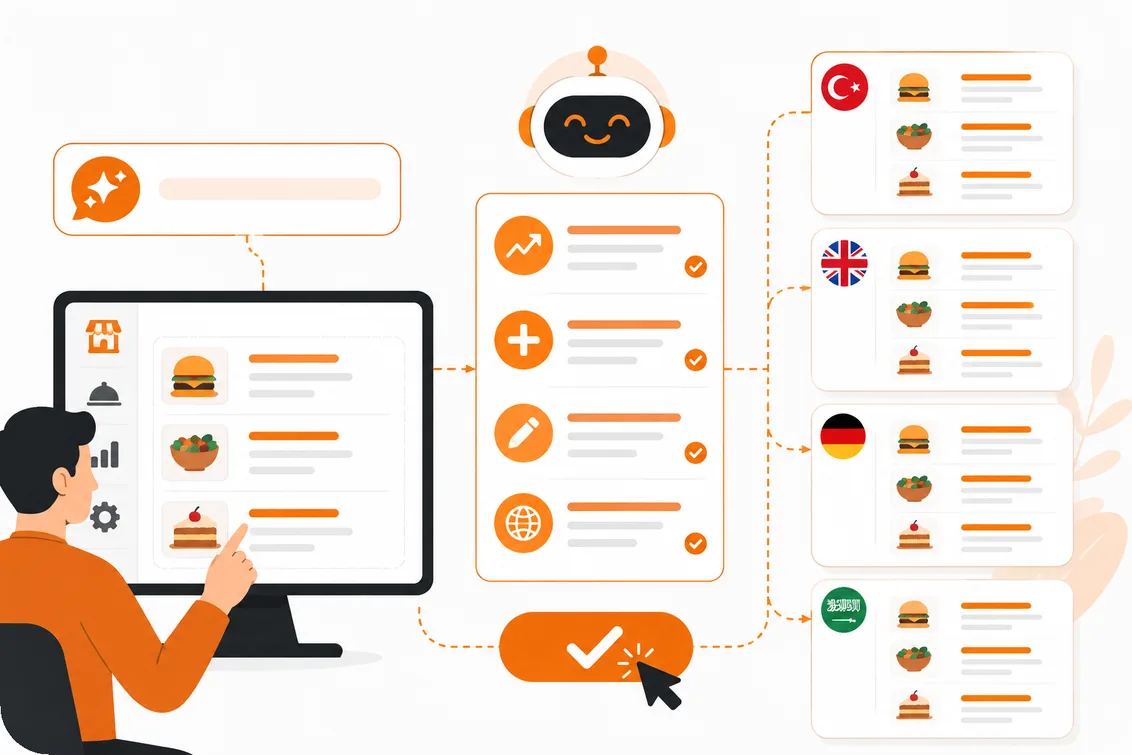
Raise prices, add an item, write a description or translate the menu into four languages with a single sentence. The assistant shows what it will do first; you approve it.
Setup is on us
Send a photo of your paper menu and we handle the rest. No setup fee; you don’t type items in one by one.
Send a photo or PDF of your current menu; we transfer the items, categories and prices. Your menu goes live within a few days.
We edit, crop and prepare your photos for a consistent look on the menu, and guide you on items that have no image yet.
We start nutrition values as estimates from standard recipes and mark the 14 allergens; you just review and approve.
On one side a guest who cannot decide, on the other an owner updating prices mid-service. Menulent was designed with both in mind.
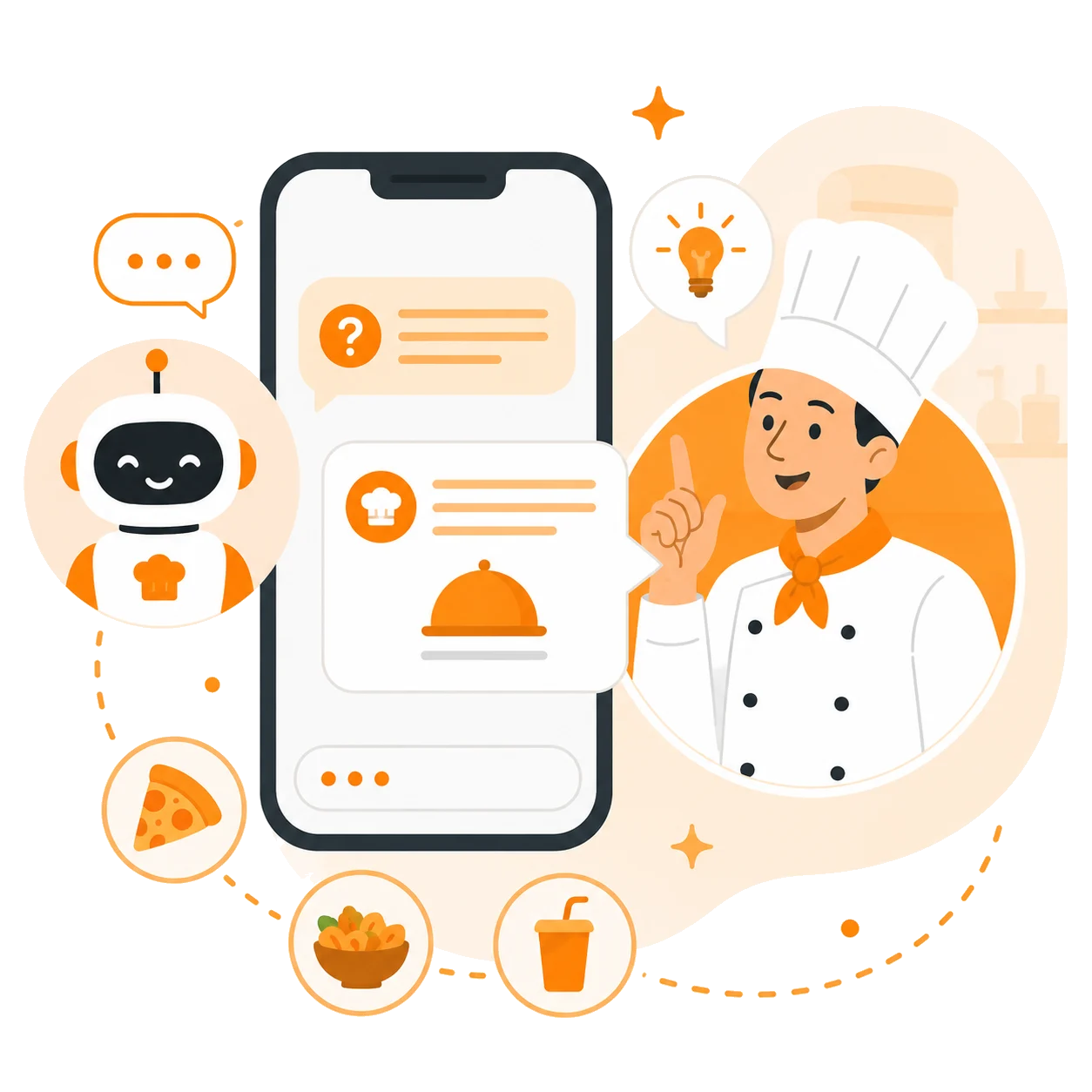
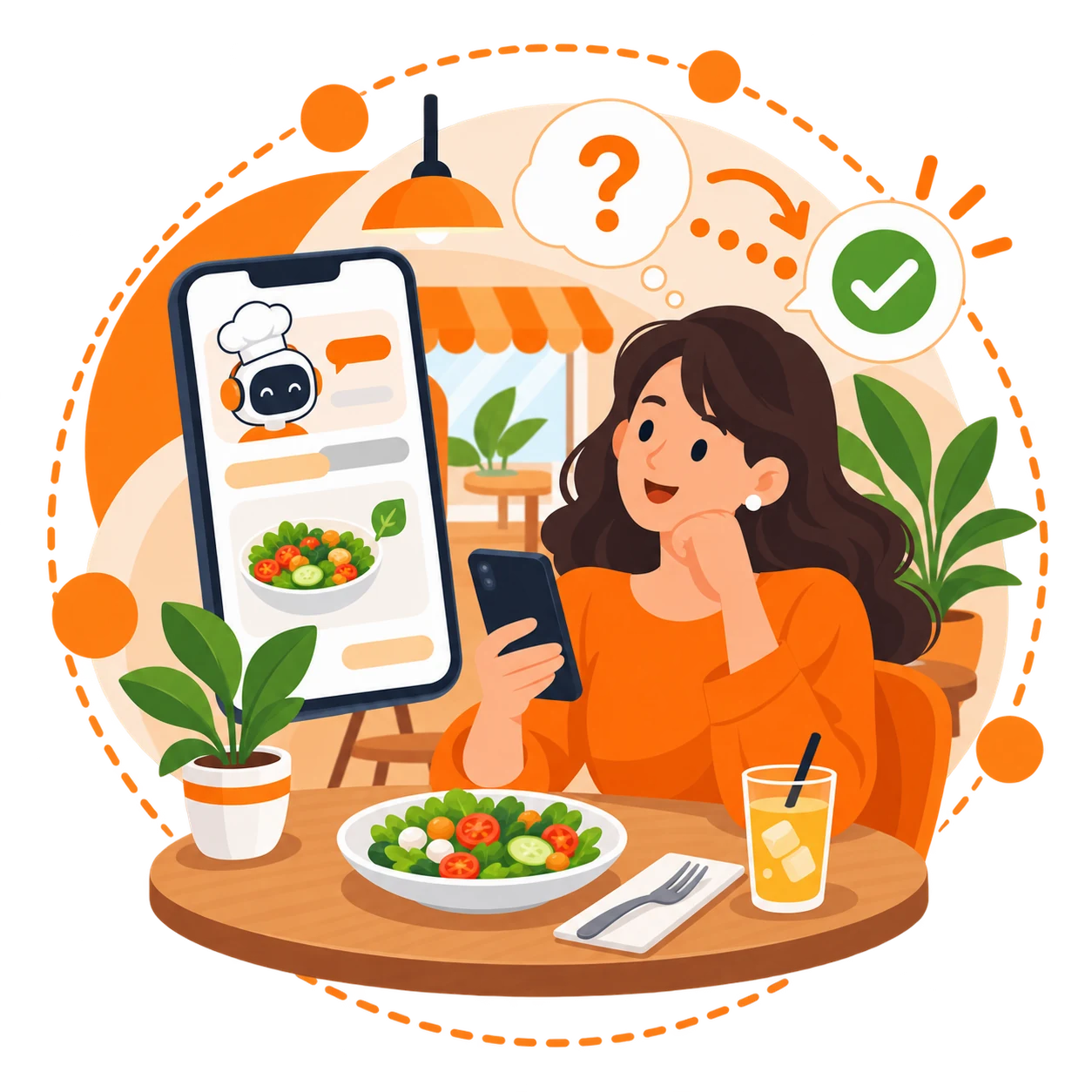
Guests write what they feel like in their own words; the assistant knows your menu and finds the right item.
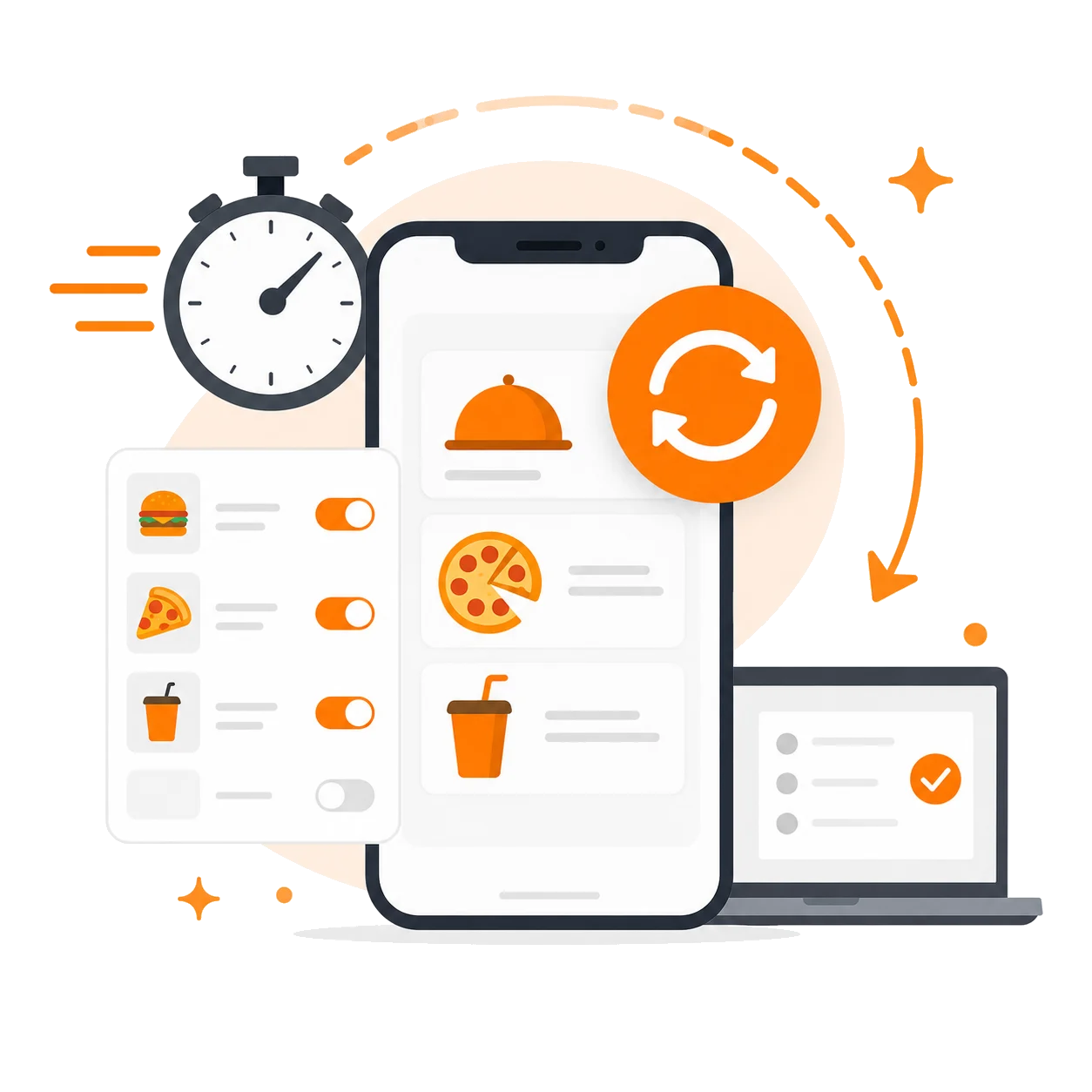
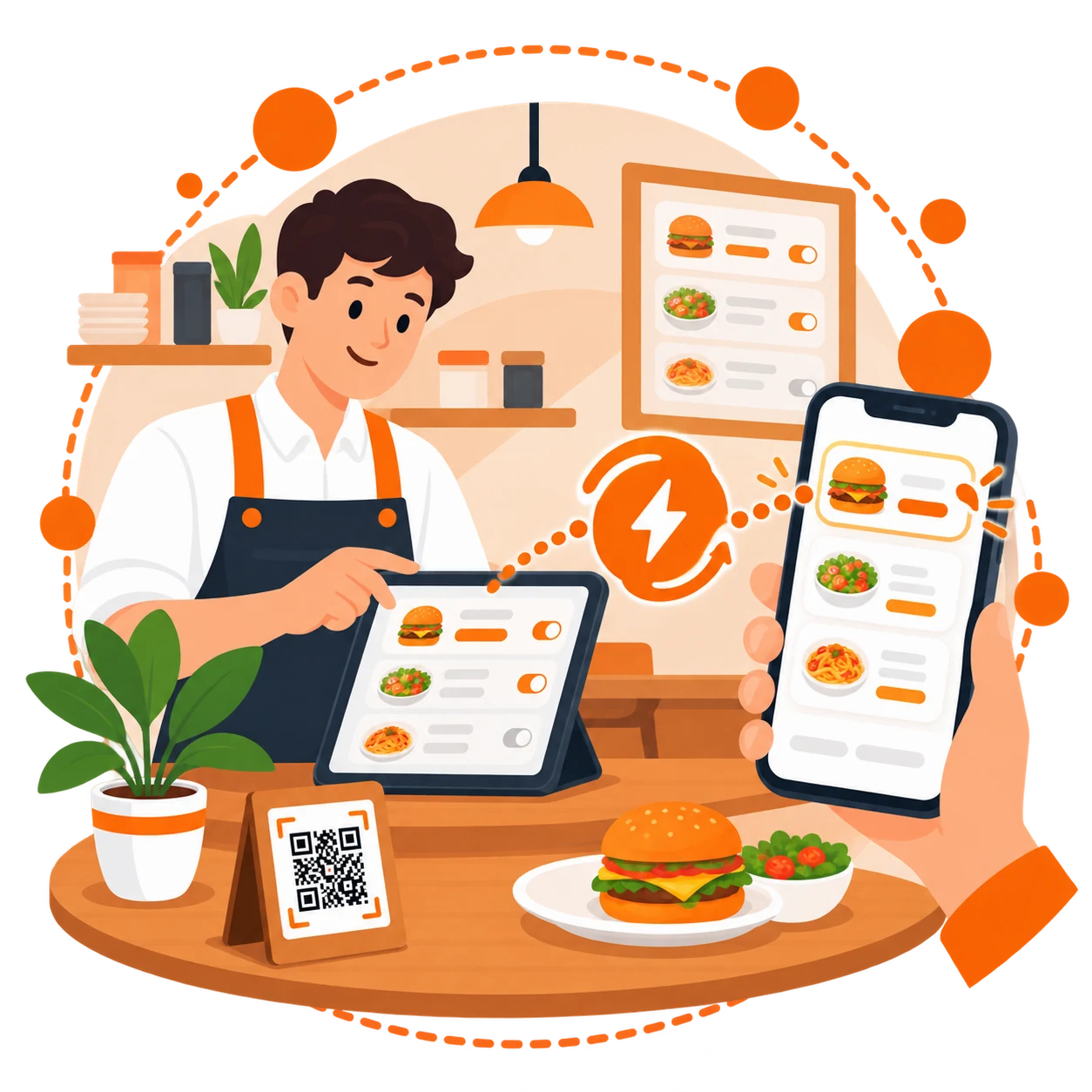
Whatever you type in the panel reaches the table the same second.
Live demo
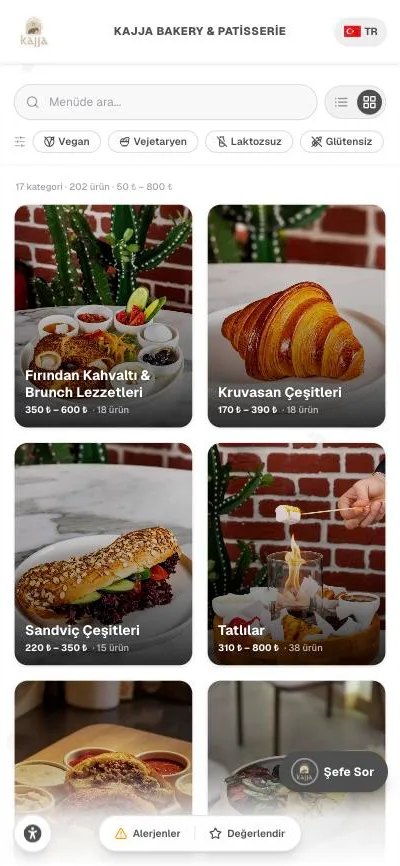
This is not a screenshot — it is a real menu, live right now. Open categories, try the vegan filter, enlarge the text.
Tap the Vegan button on top — only suitable items remain.
Tap the assistant at bottom right; in the demo it uses preset answers.
Change the language at top right — one menu, four languages.
Use the icon at bottom left to enlarge text and raise contrast.
Tap the Vegan button on top — only suitable items remain.
Tap the assistant at bottom right; in the demo it uses preset answers.
Change the language at top right — one menu, four languages.
Use the icon at bottom left to enlarge text and raise contrast.
Accessibility
A guest with low vision, dyslexia or unsteady hands adjusts the menu to their own needs — without asking anyone for help, without calling the waiter. The one thing a printed menu can never do.
Try it: change a setting and watch the menu on the right
Text size
Works with screen readers
VoiceOver and TalkBack read the whole menu, announce category changes out loud and say "Carbohydrate" instead of "Carb." in the nutrition table.
Allergen info never relies on colour
Every badge is spelled out in words next to its icon, so a colour-blind guest sees exactly what each dish contains.
Preferences stay on the device
Settings are never sent to our servers; they live in the guest's browser. Which difficulty someone lives with is none of our business.
One switch turns it on
You enable the accessibility button from your panel and pick one of four universal icons. No extra fee, included in every plan.
Built against WCAG 2.1 criteria; touch targets are at least 48 pixels (WCAG 2.5.5).
This is our real demo menu. Settings apply only to this preview.
Bio page
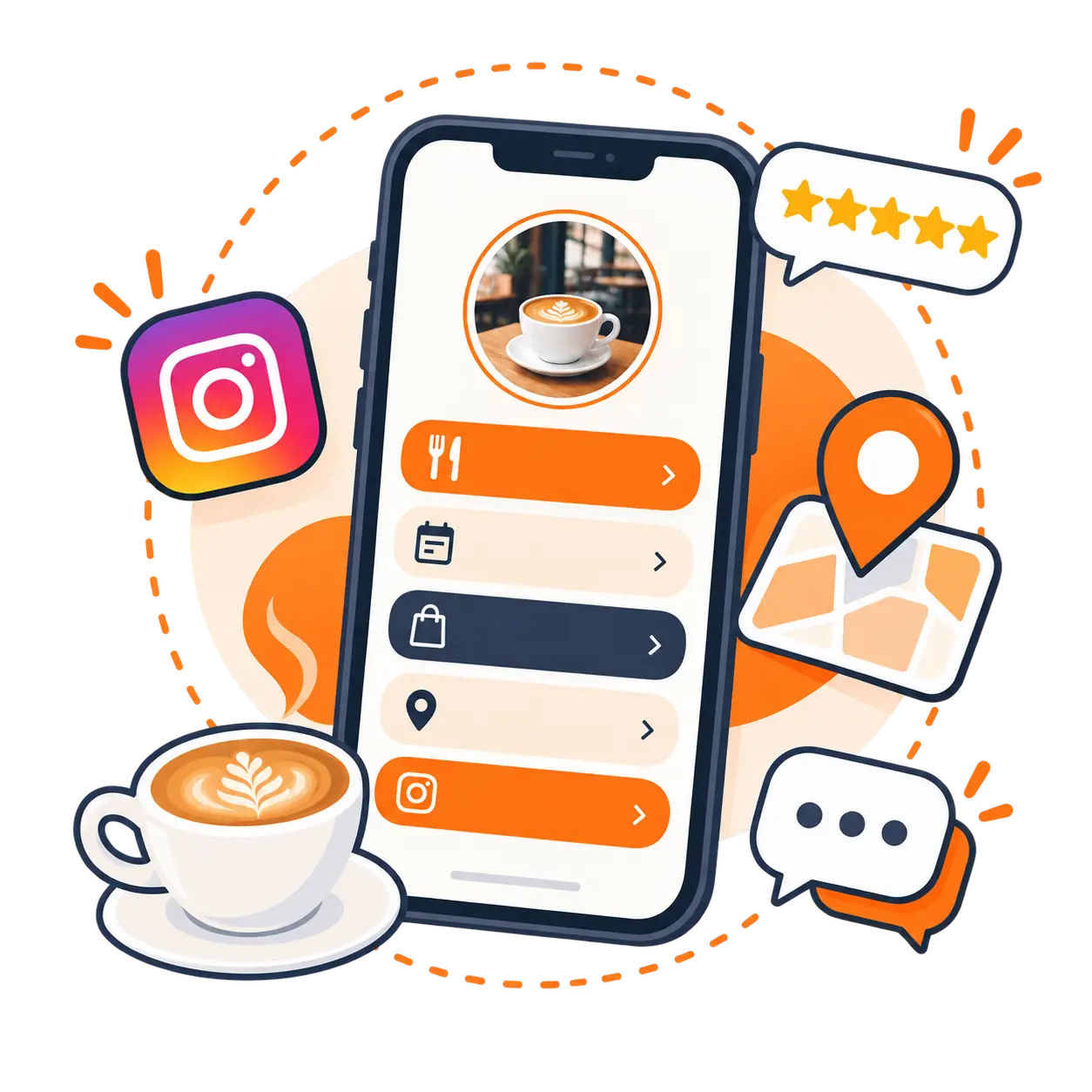
Every menu comes with a ready link-in-bio page — menu, WhatsApp, phone, directions and Google reviews at a single address.
Your menu on top
The first card opens your menu; guests reach prices in two taps.
Every link in one place
WhatsApp, phone, directions, Google reviews, social media — with your cover, logo and brand color.
Four languages, included
The page speaks TR, EN, DE and AR; a QR share card and click counter are built in.
menulent.com/limecoffee/bio
Reservations
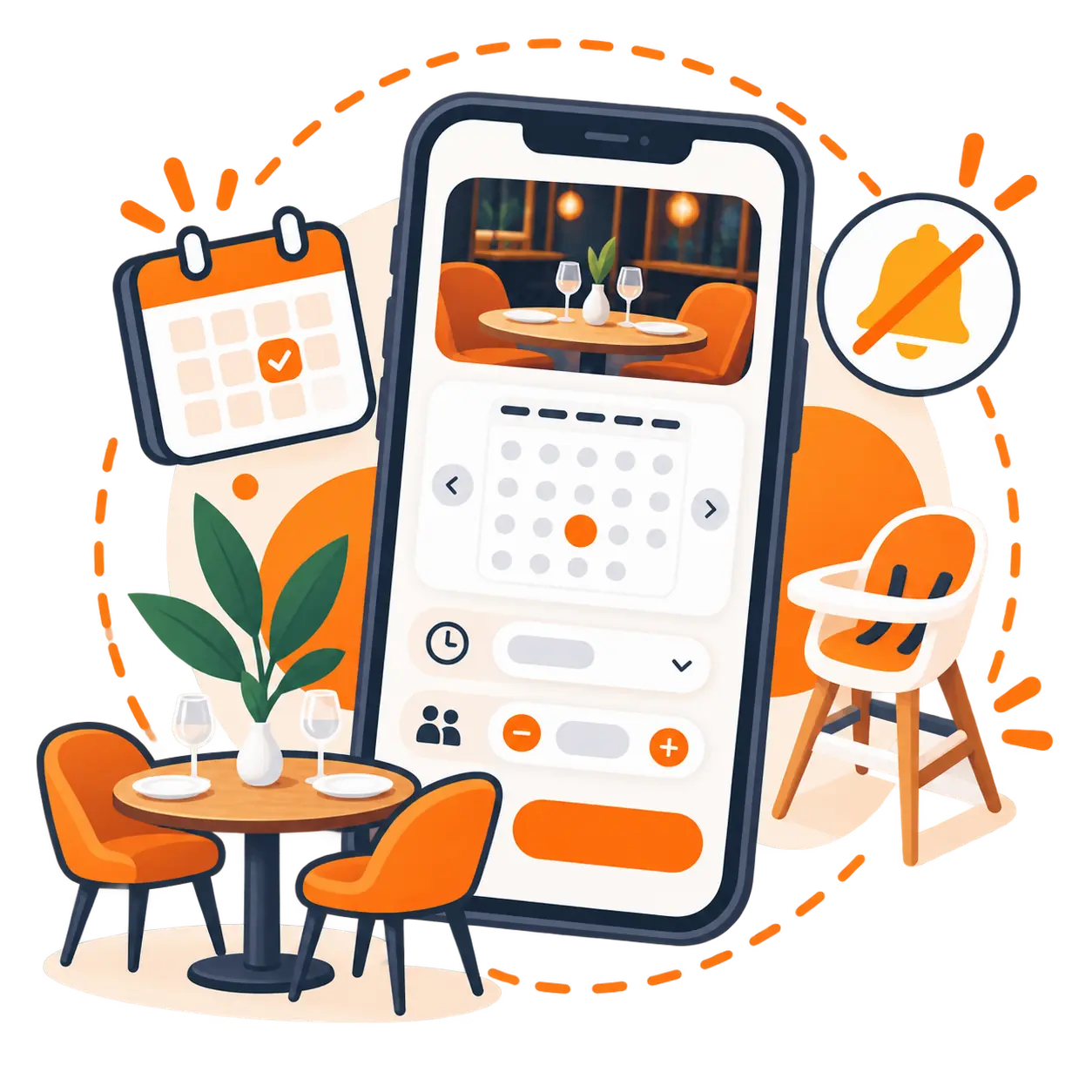
Guests book a table from your bio page; the request lands in your inbox and panel, and you call to confirm.
menulent.com/isletmeniz/rezervasyon
Requests come in, the decision stays yours
No auto-confirm: you plan the table and call the guest. Approving takes one tap in the panel, with phone and WhatsApp shortcuts on the card.
Special needs known in advance
High chair, wheelchair access, celebrations — guests tick them on the form. For wheelchair access the panel adds a warning: no stairs-only upper floors.
A form in four languages
Same as the menu: TR, EN, DE, AR. The language the guest used is recorded, so you know before you call.
Loyalty card
Customers open their card on their phone; you stamp it at the till. When the target is reached the reward appears on its own — with confetti on their screen.
Sign-up takes 10 seconds
Name and phone number is all it takes; no password, no SMS, no app to install. The card lives on the customer's phone — it can't get lost in a wallet.
Stamps only come from the till
You scan the QR on the customer's screen and the stamp lands automatically. No fake stamps: both stamps and rewards go through your panel.
Your regulars become a list
Who came how often, who earned which reward — it's all in your panel. The loyalty card quietly builds your customer base.
Included in the Pro plan — no per-stamp fees.
menulent.com/isletmeniz/kart
Pricing
No setup fee, no item limit, no commission. Cancel whenever you want.
For cafés and restaurants with one address. Everything included.
Bigger AI quotas and a service package. For venues that want to stand out.
For businesses with more than one address and chains; priced by number of locations.
No credit card needed for the trial. Purchases are paid by card; cancel anytime.
Live menus
Every screen sliding below is a real menu published with Menulent right now. Tap one to open the live version.
Who uses it
"How many calories?", "what is in it?", "is it vegan?" — the number of items and the type of guest change, but these questions do not. Menulent lets the menu answer them.
Coffee and dessertsCafésDairy-free options, calories and allergens are asked about most here. The lactose-free filter answers in one tap.
 Large menu, busy serviceRestaurants
Guests get lost in a long menu. Dietary filters and AI suggestions speed up the choice without occupying a waiter.
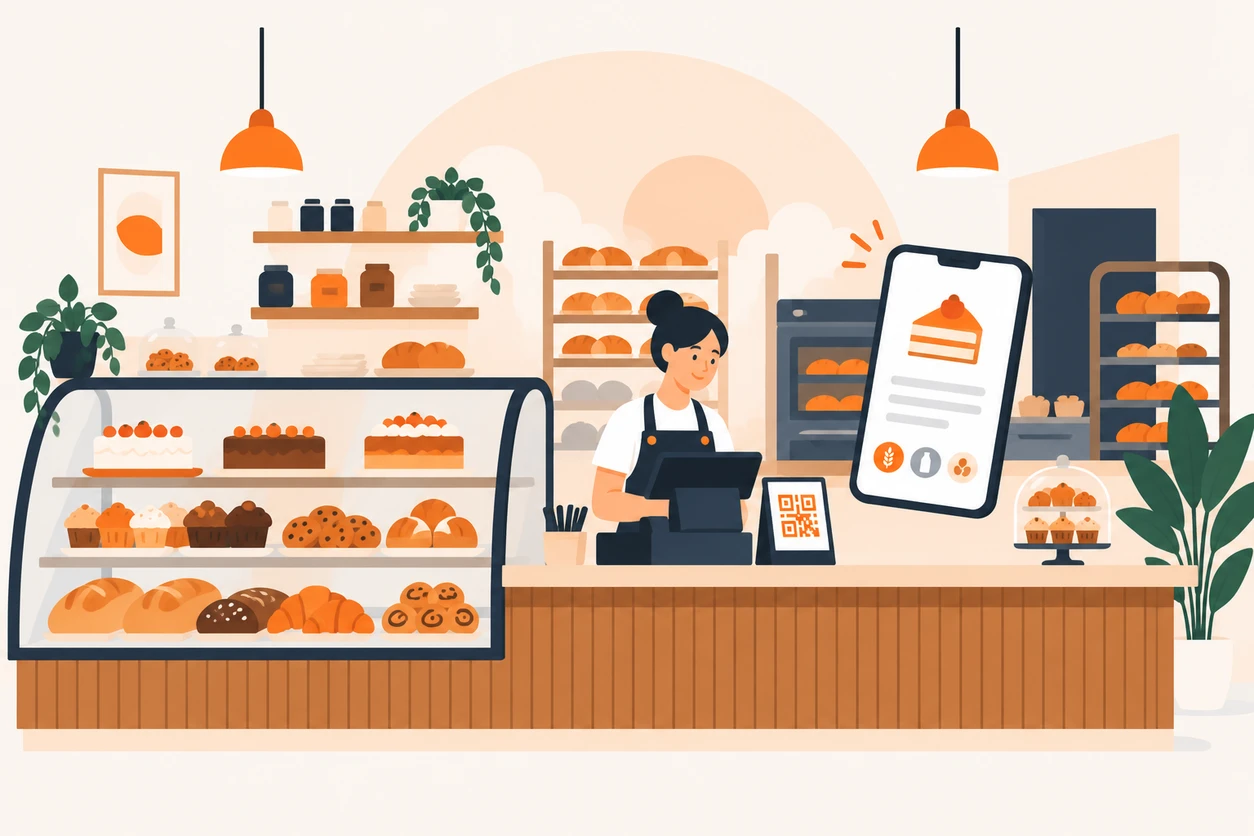 High allergen sensitivityBakeries & patisseries
Gluten, milk, egg and nut declarations are visible item by item. Guests learn without asking; you stop repeating yourself.
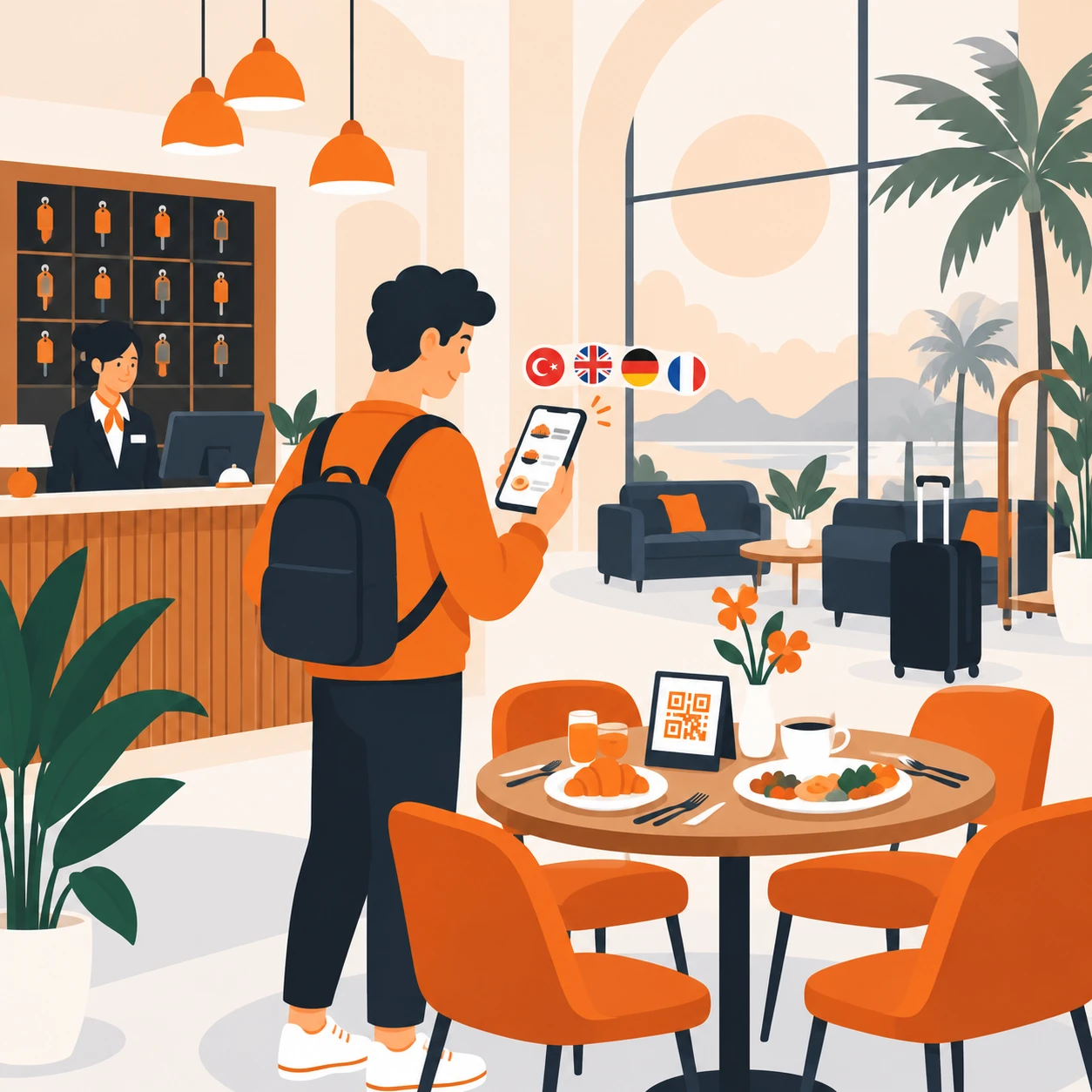 Multilingual guestsHotels
The same menu in Turkish, English, German and Arabic. Guests pick their language, you manage one menu.
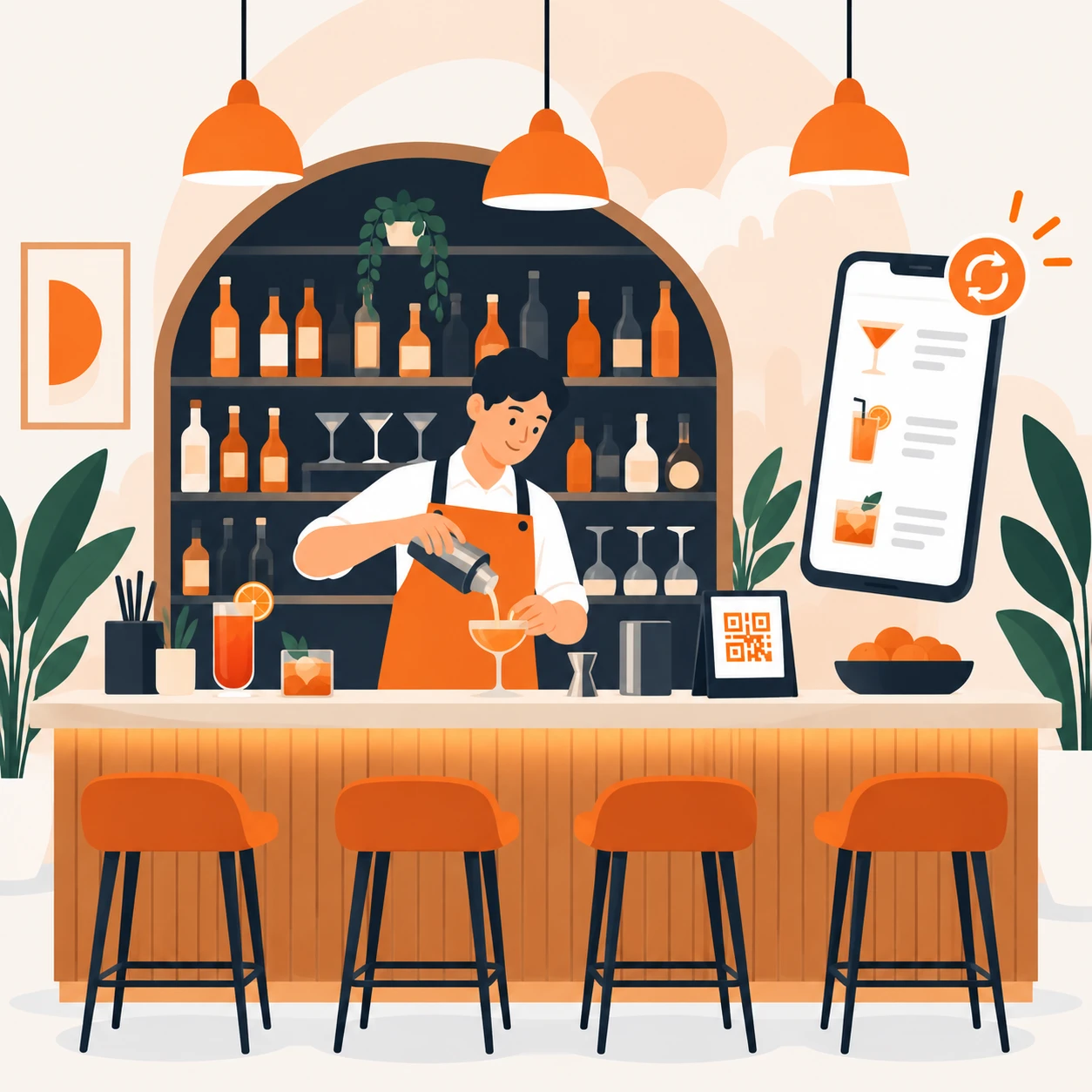 Frequently changing menuBars & bistros
Update the weekly list from the panel. The QR code on the table stays the same, the content refreshes instantly.
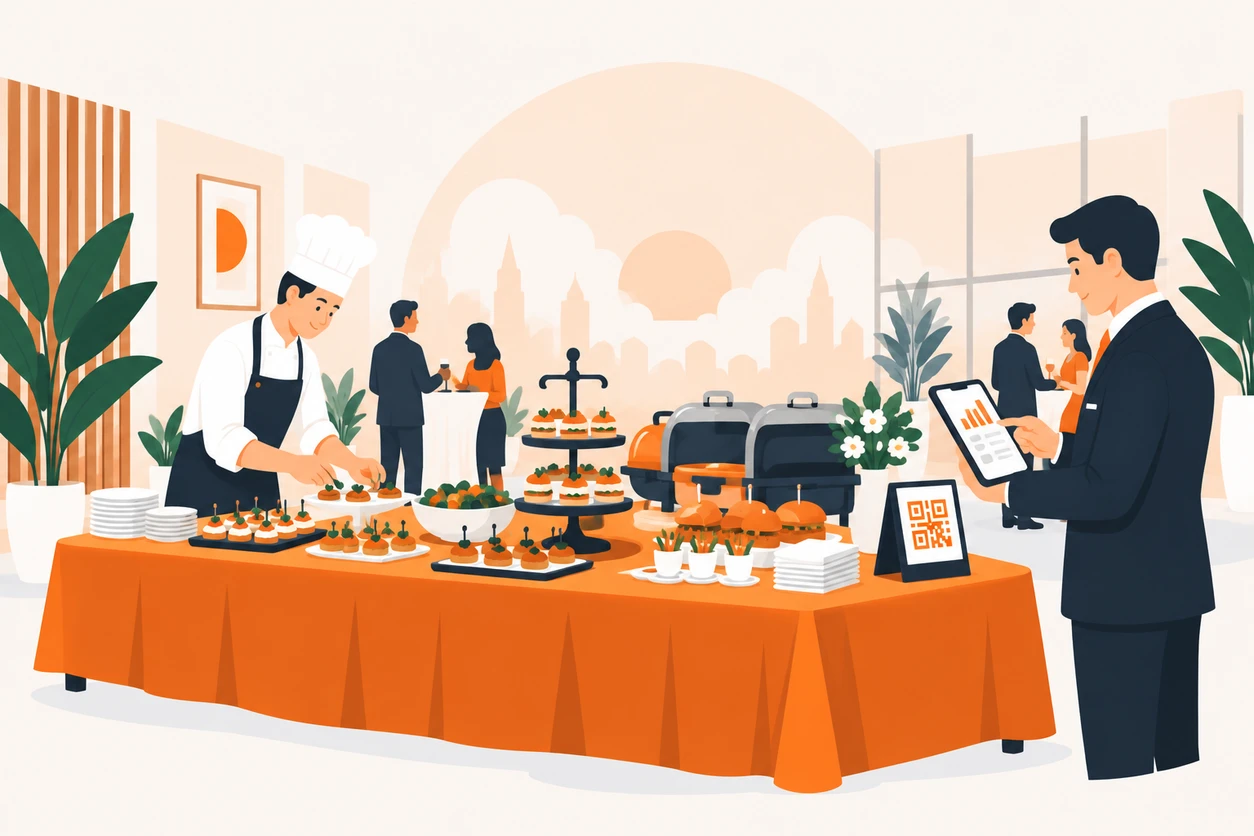 Corporate clientsCatering
Nutrition and allergen data is the first thing corporate clients ask for. It is already in the menu - no separate document needed.
FAQ
The most common questions about the menu, setup, pricing and your data.
Ask us anything about your menu, the plans or migrating; we usually reply the same day.
A digital QR menu platform for restaurants and cafés. You build the menu in the panel, print your QR code, and guests open it on their phones. What sets it apart: nutrition facts, allergen info, dietary filters, four languages and AI support.
No. Tell the AI assistant the item name and its ingredients; it suggests calories, protein, carbs and fat, and you review and approve. Manual entry is always available too.
Food regulations require 14 allergens to be declared to consumers. Menulent lets you mark those 14 per item and guests see them clearly. The accuracy of the entered data remains the business owner's responsibility.
A guest can type "nothing spicy" or "gluten-free dessert". Because the assistant knows your menu, it suggests matching items and takes the guest to them. It never suggests something that is not on your menu.
Yes, the first 15 days are free and no credit card is required to start.
Once items are entered in Turkish, the AI handles the translation: item name, description, ingredients and portion size are filled in English, German and Arabic. You can correct any translation by hand afterwards.
Change the price in the panel and the menu updates instantly. No reprinting, no outdated menus on the table, and the QR code stays the same.
Your menu is published at menulent.com/your-business by default. A custom domain can be connected on request.
Three steps: sign up, add your categories and items, then download and print your QR code. You can enter items by hand or just tell the AI assistant in one sentence — "add a soufflé to desserts for 180 lira". Setup takes about five minutes.
No. Scanning the QR code with the phone camera opens the menu straight in the browser. No download, no sign-up, no permissions — the guest sees the menu as soon as they sit down.
Your QR code downloads ready to use from the panel; printing it on a table card, a stand or the menu cover is up to you. The code points to an address, not to content: you can change the entire menu and the same code keeps working, so you never reprint.
Yes. Your menu is published as a real web page at menulent.com/your-business and is open to search engines; your item pages are listed in the sitemap too. QR menus that live only inside an app cannot offer this.
Add categories and items from the panel, or dictate them to the AI assistant. You do not have to work through nutrition values and four-language translation separately — the assistant proposes, you approve.
Yes. Branches belong to one account, each with its own menu and its own QR code, and you switch between them from the main account. Plans are priced by branch count; you do not buy a separate subscription per branch.
The menu content belongs to the business. If you cancel, your menu goes offline and you can request deletion of your data. Your guests' browsing data is not kept indefinitely either — it is anonymised and then deleted after a set period.
Yes. Every menu works with screen readers (VoiceOver, TalkBack), and guests can enlarge text, raise contrast, ease reading and reduce motion right in the menu. These settings ship with every plan at no extra cost.
No. Items without photos still look right. But menus with photos see clearly more guests opening the item page, so it is worth photographing at least the dishes you want to push.
Contact
Ask us anything about the menu, the plans or moving your existing menu over. We usually reply the same day.

Usually same day on weekdays, within 24 hours on weekends.